Game layer
Game layer toggle
The game layer puts the runner and coins on the live chart. It is off by default.
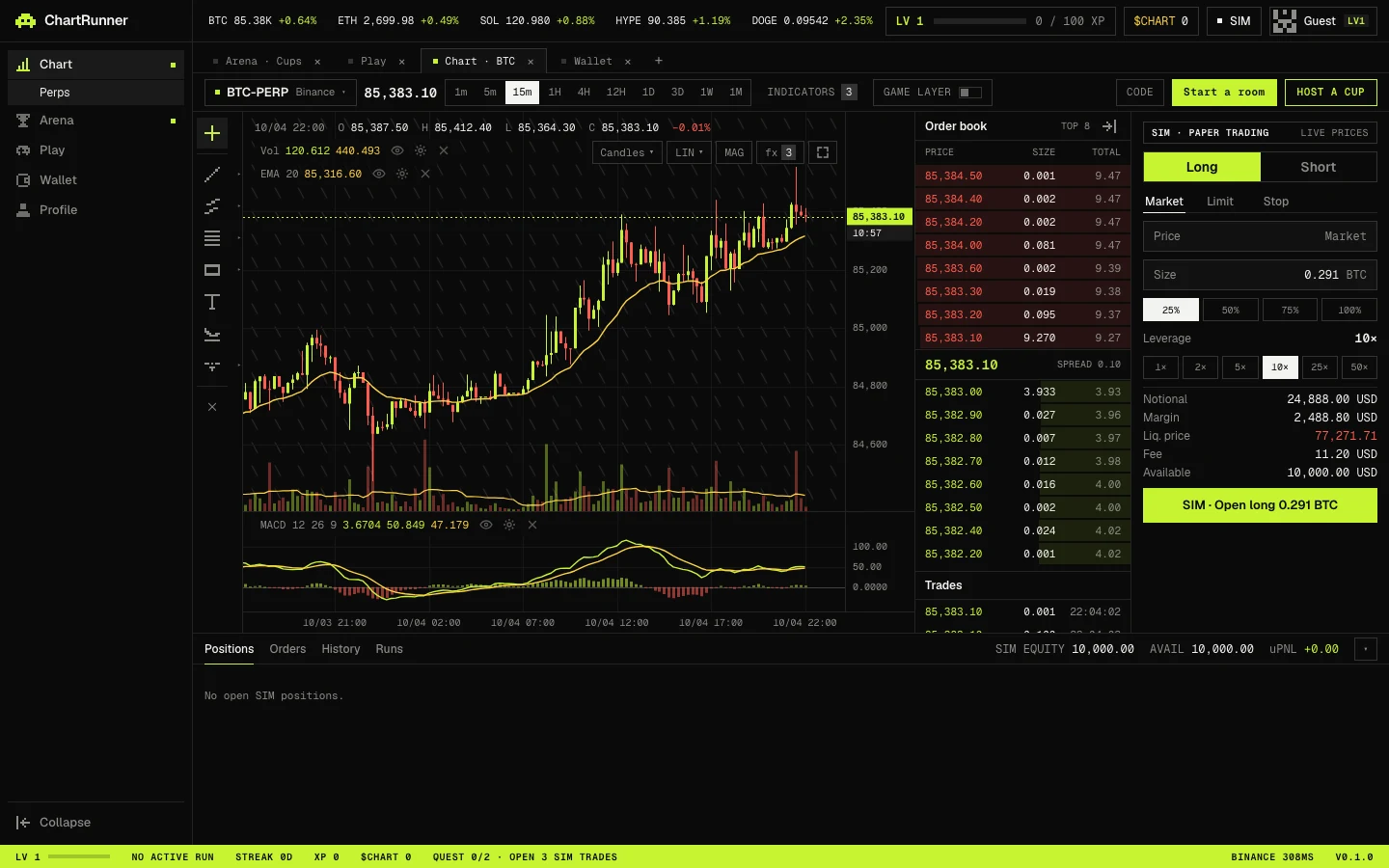
Turning it on and off
Use the GAME LAYER switch in the chart toolbar (GAME on a phone). The setting is saved in your browser. Coin Chase on the Play page opens the terminal with the game layer on and the chart maximized.
What changes
| Element | Game layer on | Game layer off |
|---|---|---|
| Runner and coins | Drawn over the chart | Hidden |
| Chart keys | Steer the runner | Zoom and pan the chart |
| Abilities in the tool rail | Shown | Hidden |
| XP preview in the order panel | Shown | Hidden |
| Order book, order panel, positions | Unchanged | Unchanged |