Play and compete
Hub
The Hub gathers the competitive parts of ChartRunner: SIM cups in the Arena, shared live charts in Rooms, and real-money Trading Cups by request.
Three pages
| Page | Address | What it is |
|---|---|---|
| Arena | /hub/arena | Host or join a SIM cup: a timed perps competition with paper money. See Arena and SIM cups |
| Rooms | /hub/rooms | Start or join a room: one live chart for up to 8 players to watch, draw and chat on. See Arena |
| Trading Cups | /hub/trading-cups | A request form for cups with real money, which ChartRunner reviews and hosts |
Open the Hub from Hub in the sidebar (its pages show under it) or from the bottom bar on a phone, where ARENA, ROOMS and TRADING CUPS tabs switch the pages. /hub opens the Arena. BATTLE ARENA in the chart toolbar also opens the Arena. The app's old addresses still work: /arena and /cups open the Arena and /rooms opens Rooms. A cup's own link and a room's link keep their addresses.
Trading Cups with real money
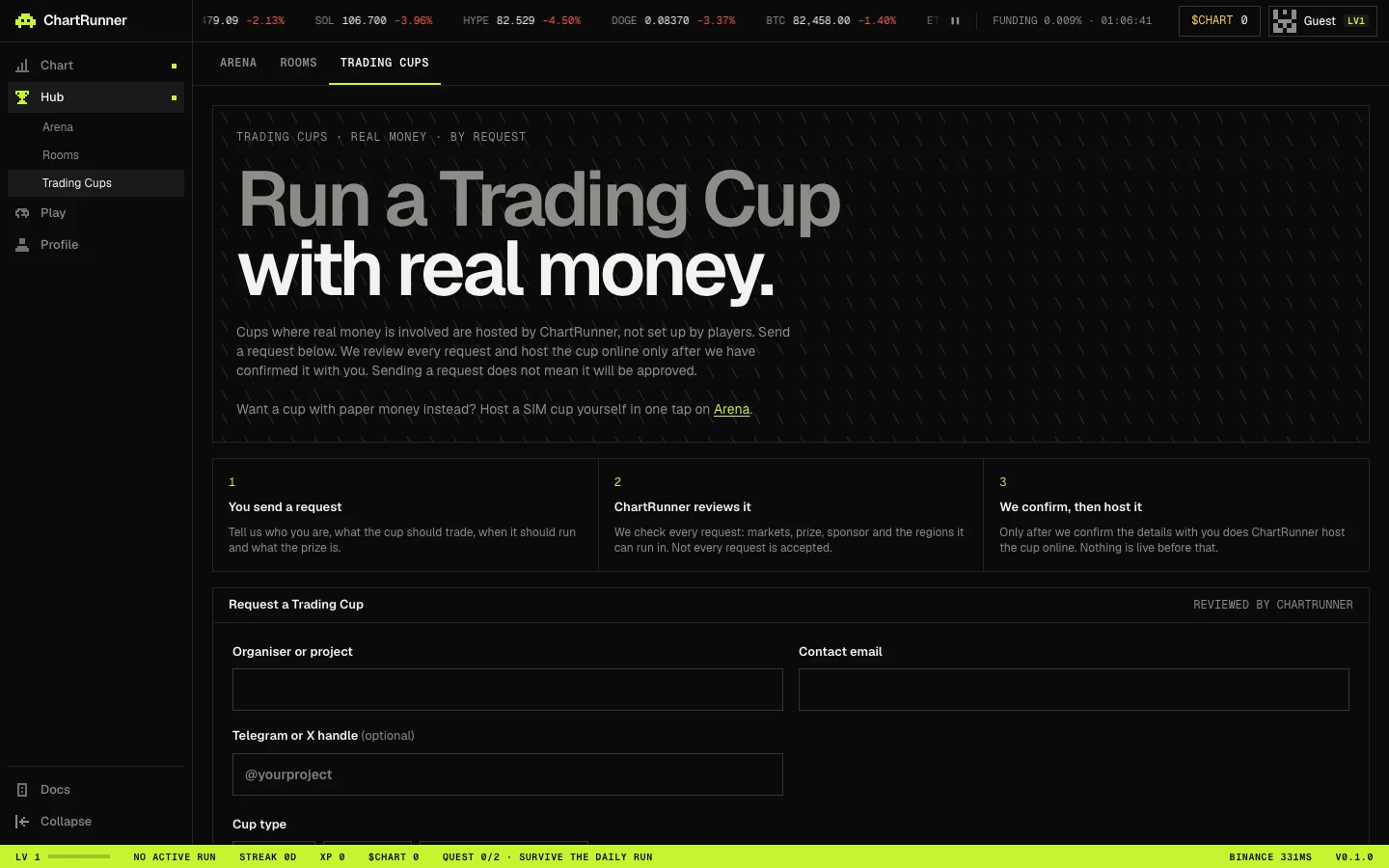
Cups where real money is involved are hosted by ChartRunner, not set up by players. The page (TRADING CUPS · REAL MONEY · BY REQUEST) explains the three steps: You send a request, ChartRunner reviews it (markets, prize, sponsor and the regions it can run in; not every request is accepted), and We confirm, then host it. Nothing is live before ChartRunner confirms the details with you.
| Field | Options |
|---|---|
| Organiser or project, Contact email | Required |
| Telegram or X handle | Optional |
| Cup type | Spot, Perps or Launch tournament |
| Markets or tokens, Desired start date | Free text and a date |
| Duration | A number with the unit Hours, Days or Weeks |
| End condition | At the end time or When a player reaches a target PnL (perps cups always end at their end time) |
| Expected number of players | A number |
| Prize | No prize or A fixed amount, with the amount and currency or token |
| Sponsor | No sponsor, An exchange or A token or project |
| Regions to exclude, Notes | Optional |
Tick the consent line (“ChartRunner may contact me by email or the handle above about this request.”) and press Send request. Sending a request is not a booking. You can send up to 3 requests a day from one network and one account.